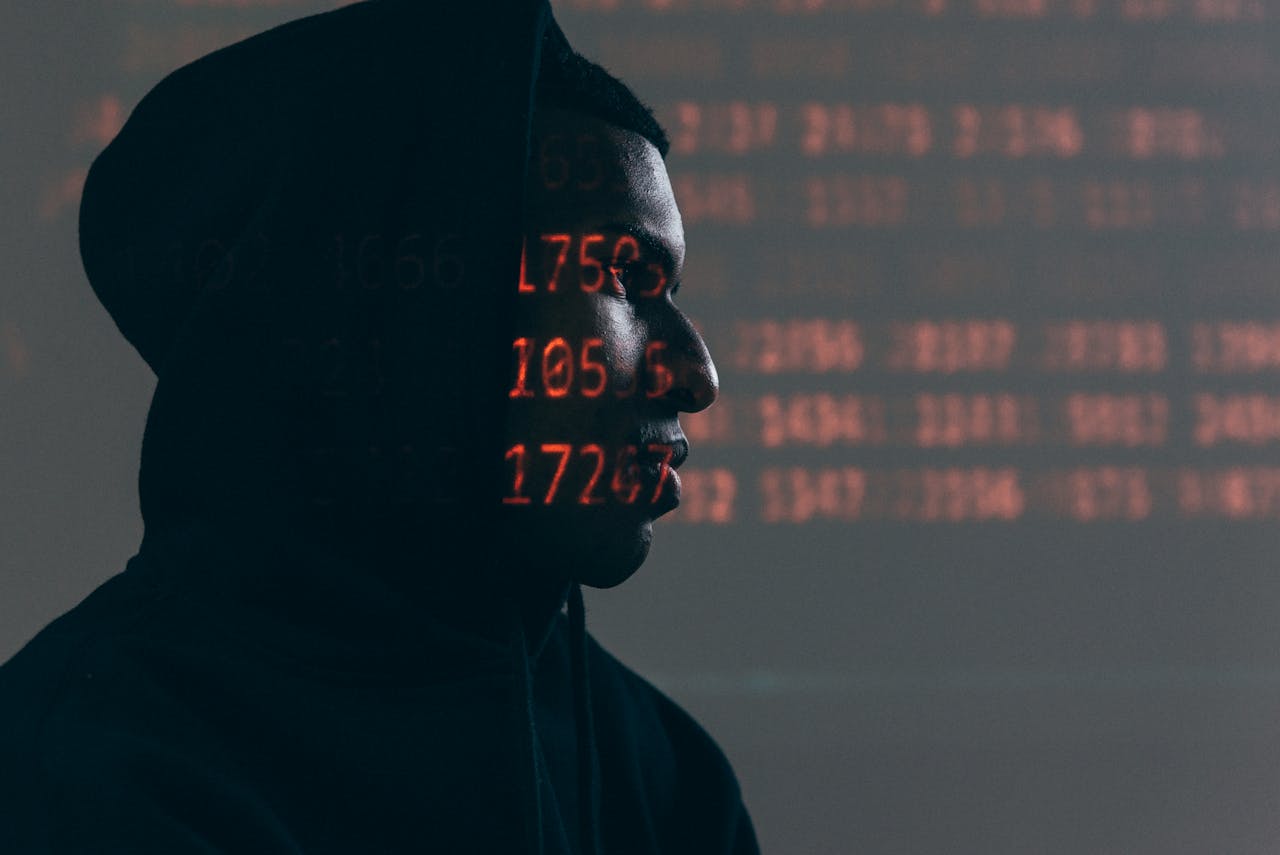

In today’s digital world, our lives are deeply intertwined with the internet. From socializing to shopping and even working, we rely heavily on online platforms. However, as we increasingly live our lives online, our privacy is facing unprecedented risks. You may not realize that every day, countless amounts of personal data, including your private details, payment accounts, and even location, are being stolen without your knowledge.
Moreover, the rise of social media and smart devices has made it easier for us to share personal details, but these seemingly harmless pieces of information can become prime targets for hackers. By staying vigilant and taking the necessary precautions, not only can you avoid financial losses, but you can also protect your daily life from being invaded.
1. Social Media Privacy Risks
Privacy Vulnerabilities on Social Media
Social media has become an essential part of modern life, but many people overlook the privacy risks that come with it. By sharing family photos, daily activities, and even location information, users unknowingly expose sensitive data to a wide audience. Hackers can analyze this information to guess passwords, security question answers, and even gain access to personal addresses or other private details.
To protect yourself, it’s essential to:
- Limit the personal details you share on platforms like Facebook, Instagram, and Twitter.
- Adjust privacy settings to restrict access to your posts and profile information.
- Beware of location-sharing features that may unknowingly disclose your whereabouts to malicious actors.
2. Phishing and Scam Prevention
Phishing Attacks
Phishing attacks typically disguise themselves as emails from banks, social media platforms, or delivery companies, tricking you into clicking on malicious links and entering sensitive information. These attacks often come in the form of fake websites, urgent notifications, or even impersonations of trusted individuals, making them hard to detect.
To protect yourself from phishing:
- Verify the source of any unexpected email, especially those asking for personal information.
- Avoid clicking on links in unsolicited messages or emails. Instead, go directly to the website by typing the URL in your browser.
- Look for signs of phishing, such as poor grammar, unusual sender email addresses, or suspicious-looking links.
3. Use of VPNs (Virtual Private Networks)
How VPNs Work
VPNs (Virtual Private Networks) encrypt your internet traffic and hide your IP address, making it much harder for third parties to track your online activities. This is especially important when using public Wi-Fi networks, which are often unsecured and prime targets for hackers.
A VPN is essential when:
- Using public Wi-Fi: Protect your data from hackers attempting to intercept your communication.
- Accessing sensitive information: Use a VPN when accessing banking or other personal accounts to ensure your information remains secure.
- Concealing your online footprint: A VPN helps maintain privacy by masking your IP address and location.
4. Strong Passwords and Two-Factor Authentication (2FA)
The Importance of Strong Passwords
Using simple or commonly used passwords is one of the easiest ways to expose your accounts to potential hacks. Hackers can easily guess passwords like “123456” or “password,” and this could lead to data breaches and identity theft.
To create stronger passwords:
- Use a combination of letters, numbers, and symbols to make your password more complex.
- Avoid using easily guessable information, such as your name, birthdate, or the word “password.”
- Enable two-factor authentication (2FA) on all your accounts to add an extra layer of protection.
5. Secure Your Devices
Keep Your Devices Safe
Whether it’s your smartphone, laptop, or tablet, every device you use should be properly secured. Many people overlook the importance of regular updates and security measures that protect their devices from malware or hackers.
To secure your devices:
- Enable automatic software updates to ensure your device is always protected with the latest security patches.
- Use a strong password or biometric authentication (such as fingerprints or facial recognition) to lock your devices.
- Install reputable antivirus software to detect and eliminate any malicious threats.
FAQ
1. Why should I use a VPN?
A VPN helps protect your online privacy by encrypting your internet connection and hiding your IP address. It’s especially useful on public Wi-Fi networks, where hackers are more likely to attempt data interception.
2. How can I tell if I’m the victim of a phishing attack?
Phishing emails often contain suspicious links, urgent requests for personal information, or poor grammar. Always verify the sender’s email address and avoid clicking on links in unsolicited messages.
3. What’s the best way to create a strong password?
A strong password combines uppercase and lowercase letters, numbers, and special characters. Avoid using easily guessable information like names or birthdates.
4. How can I protect my social media privacy?
Limit the amount of personal information you share, adjust privacy settings to control who sees your posts, and be cautious about location-sharing features.
Conclusion
Network security protection is not just about preventing viruses or hacker attacks; it’s also about protecting your privacy. By using strong passwords, enabling two-factor authentication, using VPNs, and following other precautionary measures, you can significantly reduce your risk of falling victim to cyber threats. In today’s digital world, safeguarding your personal privacy isn’t just a skill—it’s a way of life.
Please help us share.